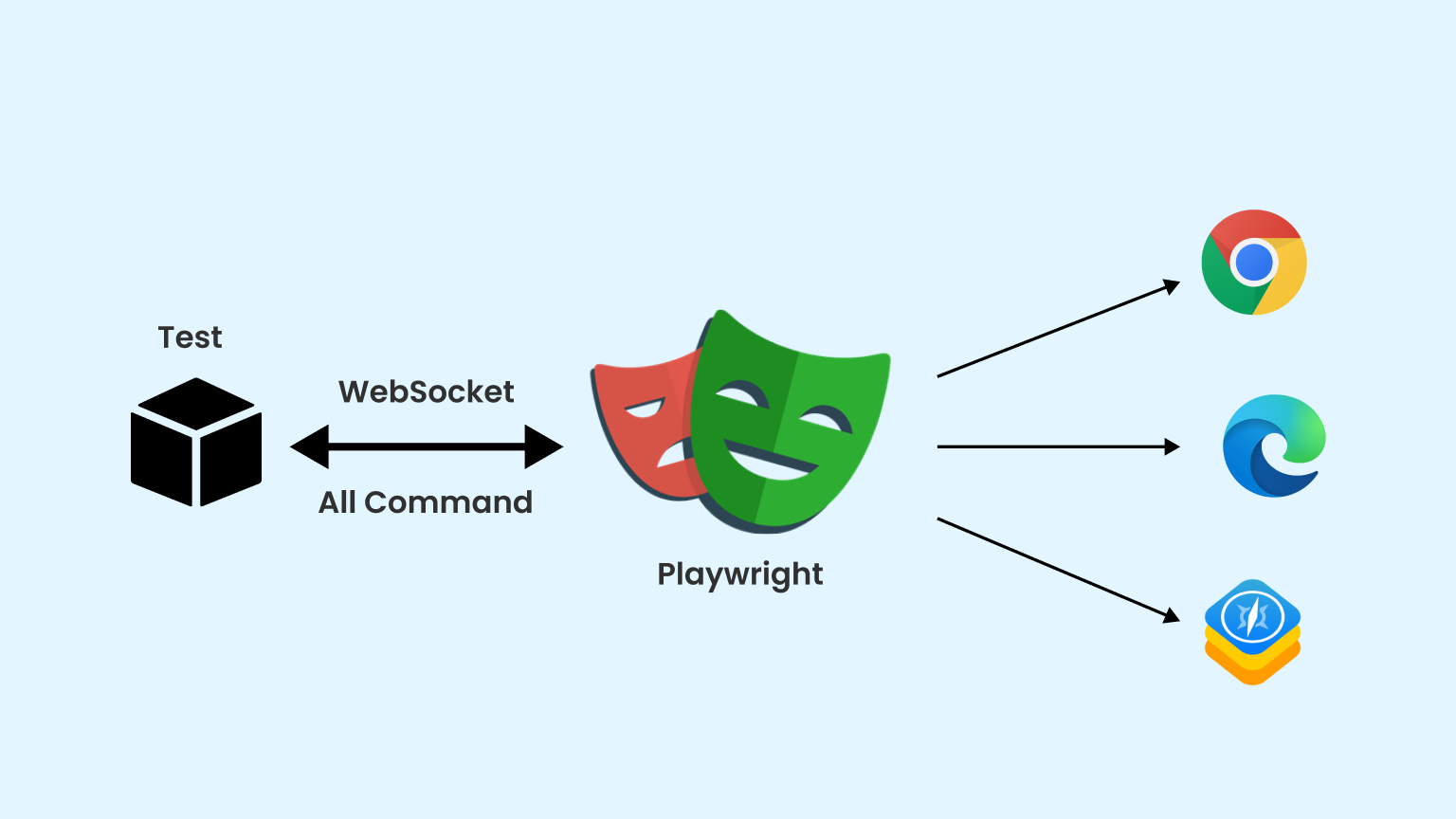
In today’s fast-paced software development environment, robust testing is crucial to ensure that applications function correctly and meet user expectations. This article will explore two powerful testing frameworks, Playwright for end-to-end UI testing and QUnit for API testing, that can significantly enhance the quality of your applications.
Introduction
With the rise of web applications, the need for reliable testing frameworks has become paramount. In this blog post, we will look at how to use Playwright for automating UI interactions and QUnit for validating backend API functionalities. These tools not only streamline the testing process but also ensure that applications are both user-friendly and technically sound.
Project Overview
This project encompasses two main areas of testing:
- QUnit API Testing: Validates critical backend API functionalities such as user registration, login, and album management.
- Playwright UI Testing: Automates the front-end interactions to verify user workflows and ensure the application behaves as expected.
By integrating these testing strategies, we can achieve comprehensive coverage of our application, ensuring both backend and frontend components work seamlessly together.
Technologies Used
The testing suite utilizes the following technologies:
- Programming Language: JavaScript
- Testing Frameworks:
- QUnit for API Testing
- Playwright for UI Testing
- Tools:
- Postman for API testing
- Docker for containerized environments
- Continuous Integration (CI): GitHub Actions for automated testing workflows
Testing Code
QUnit API Testing
Here’s a sample of how QUnit is used to validate API functionalities:
const Url = 'http://localhost:3030/';
let user = { email: '', password: '123456' };
let token = "";
let userId = "";

// User Functionality Tests
QUnit.module("User Functionality", () => {
    QUnit.test("Registration", async (assert) => {
        let path = 'users/register';
        user.email = `user_${Math.floor(Math.random() * 10000)}@test.com`;

        let response = await fetch(Url + path, {
            method: 'POST',
            headers: { 'content-type': 'application/json' },
            body: JSON.stringify(user)
        });

        assert.ok(response.ok, "User registration successful");
        let json = await response.json();
        token = json['accessToken'];
        userId = json['_id'];
    });

    QUnit.test("Login", async (assert) => {
        let path = 'users/login';

        let response = await fetch(Url + path, {
            method: 'POST',
            headers: { 'content-type': 'application/json' },
            body: JSON.stringify(user)
        });

        assert.ok(response.ok, "User login successful");
        let json = await response.json();
        assert.equal(json['email'], user.email, "Email matches registered user");
    });
});
Playwright UI Testing
Playwright is employed to automate UI interactions and verify workflows. Here’s a snippet of the Playwright testing code:
const { test, expect } = require('@playwright/test');

test('Add New Album', async ({ page }) => {
    await page.goto('http://localhost:3000/');
    await page.click('#addAlbumButton');

    await page.fill('#name', 'New Album');
    await page.fill('#artist', 'Artist Name');
    await page.fill('#price', '9.99');
    await page.click('#submitButton');

    const albumName = await page.textContent('.album-name');
    expect(albumName).toBe('New Album');
});

test('User Login', async ({ page }) => {
    await page.goto('http://localhost:3000/login');

    await page.fill('#email', 'testuser@example.com');
    await page.fill('#password', '123456');
    await page.click('#loginButton');

    const loggedInUser = await page.textContent('#userEmail');
    expect(loggedInUser).toBe('testuser@example.com');
});
Setup Instructions
To set up the testing environment, follow these steps:
- Clone the Repository
git clone https://github.com/CvetelinStoimenov/Front-End-Technologies-Basics---May-2024/tree/main/23.%20Exam/Task-2-Resources
- Install Dependencies
npm install
-
Run QUnit API Tests
- Ensure your server is running:
npm run test-api
-
Run Playwright UI Tests
- Install required browsers:
npx playwright install
- Execute tests:
npx playwright test
Conclusion
Incorporating both Playwright and QUnit into your testing strategy allows for a robust examination of your application’s backend and frontend. By automating tests, you can significantly reduce manual testing efforts, catch bugs early, and ultimately deliver a higher-quality product to your users.
Happy testing! If you have any questions or feedback, feel free to leave a comment below.